Login Logout
Login Logout

Located within Console
 Login is performed through the Login Dialog accessed via the Console. Login dialog offers the following methods:
|
Method 1 : Username and Password ( Credentials ) |
Method 2 : BadgeID |
|
|
|
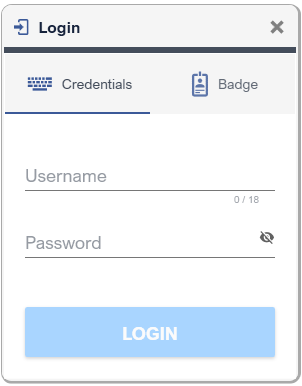
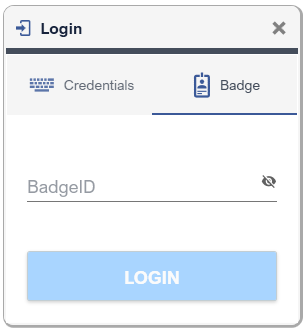
Upon Clicking Login button, Workbench searches for the user in the Users table.
|
|
Note that Wmes application also offers possibility for defining Workbench users. Upon LOGIN button click, if the user is not found in Workbench local Users table, and if Workbench is linked with a Wmes, then Workbench queries the User with Wmes. |

 Logout is performed through the Logout Dialog, pops up by clicking on the Aktuel User portion of the Console . After Logout, sysOperator becomes the Aktuel User automatically.
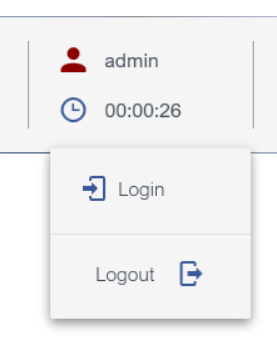
Located within Console