Single Job
Single Job 

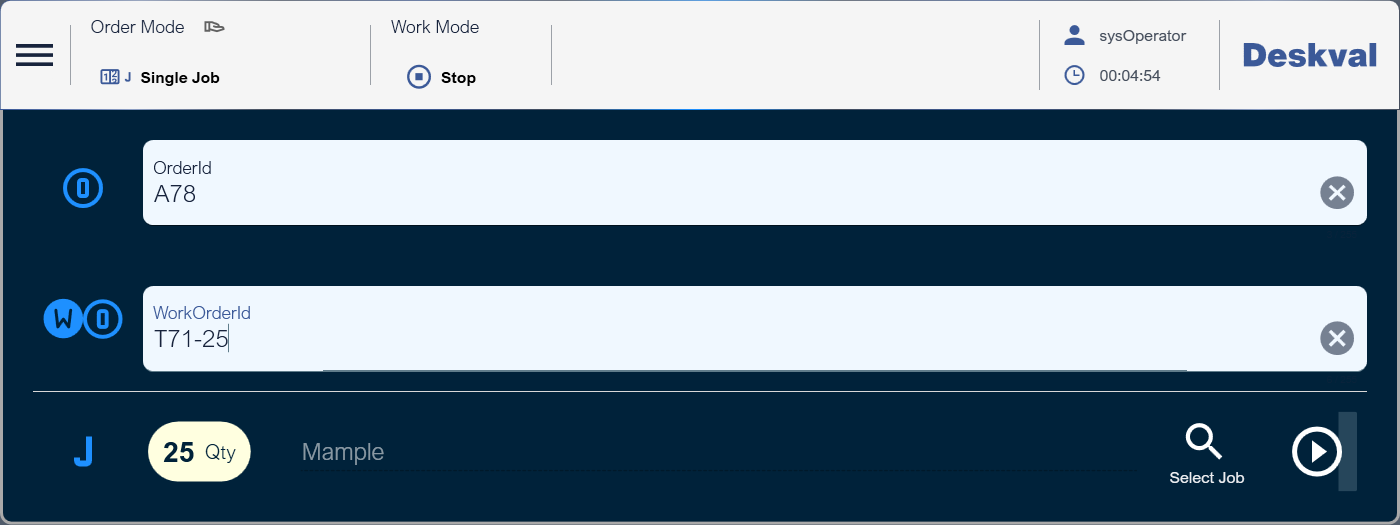
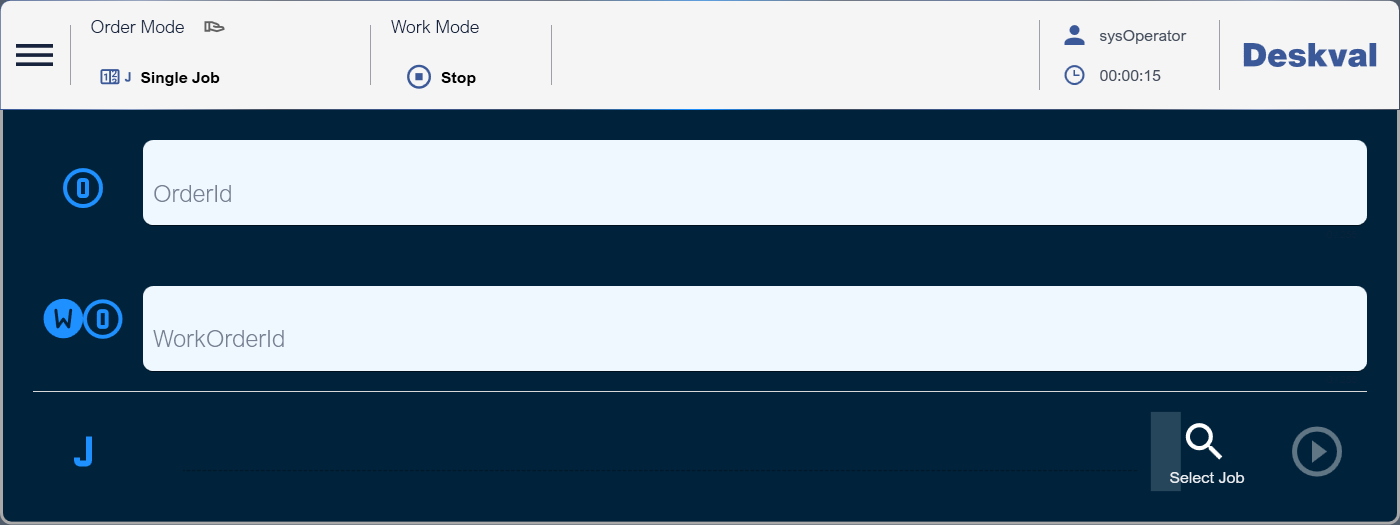
In this mode, you can select a Job in the Workbench and execute. You can determine the number of executions.
|
Button |
Description |
|
|
Opens Selection dialog to select a Job and to set execution quantity. |
|
|
Starts execution |
Selecting a Job 
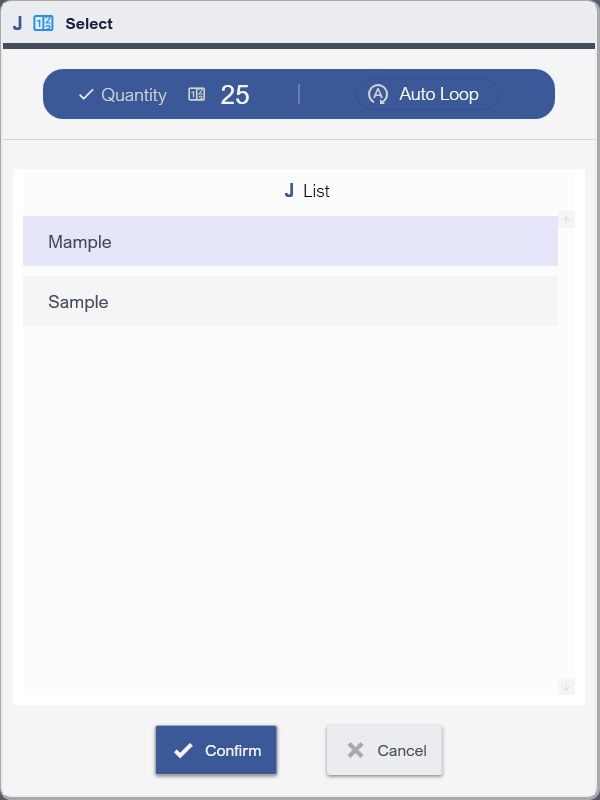
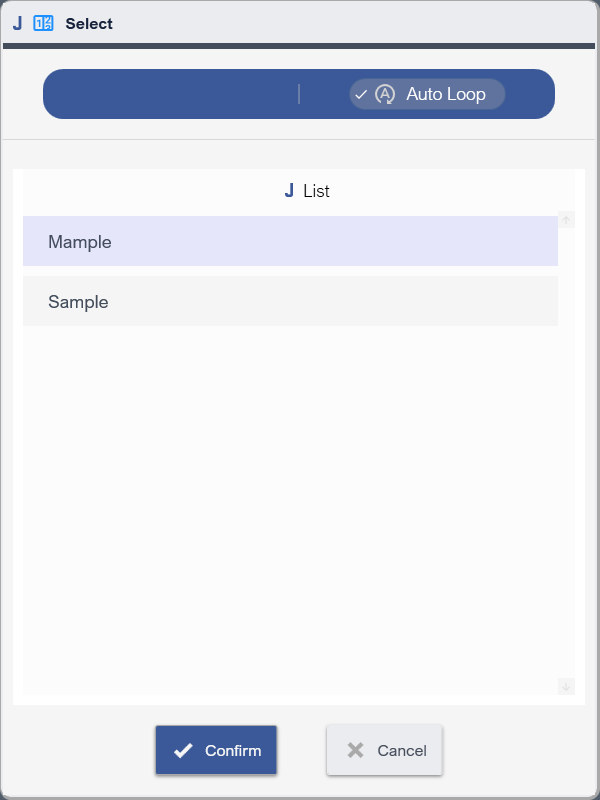
Selection dialog lets you to select a Job and execution quantity. There are 2 ways to determine the execution quantity: Direct quantity entry and AutoLoop  .
.
|
Click |
Untick |
Execution 
Once the Job and quantity is selected, execution button will be enabled.