Step Hand Trigger
Hand Trigger
|
|
Hardware Prerequisite Hand Trigger feature requires Intel RealSense™ Depth Camera hardware, recommended and tested for model D435f.
Intel RealSense™ D435f Depth Camera Connect to a USB 3.0 or better port directly on PC |

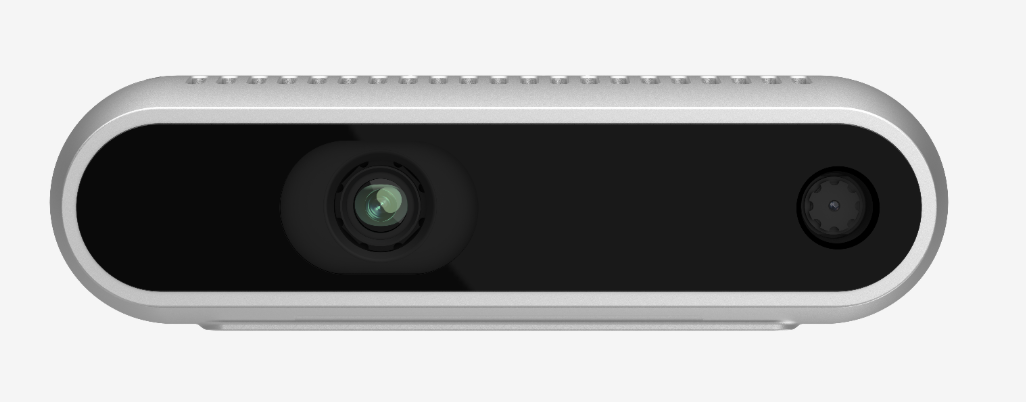
Hand Trigger provides an alternative to User Button in Step using Intel RealSense™ D435f Depth Camera.
There are 4 Hand Triggers. Hand Triggers are configured in Settings Hand Trigger.
In design-time, simply select the Hand Triggers you want to utilize/activate in the Step.

Hand Trigger colored in Orange highlight missing or incomplete configuration.
In run-time, when operator moves his hand into the region, it will trigger the configured signal. The triggered signal can subsequently be used for various purposes.
For instance, an event related to it can be created to generate a Next Step request. This would effectively simulate the operator pressing the Next button on the screen